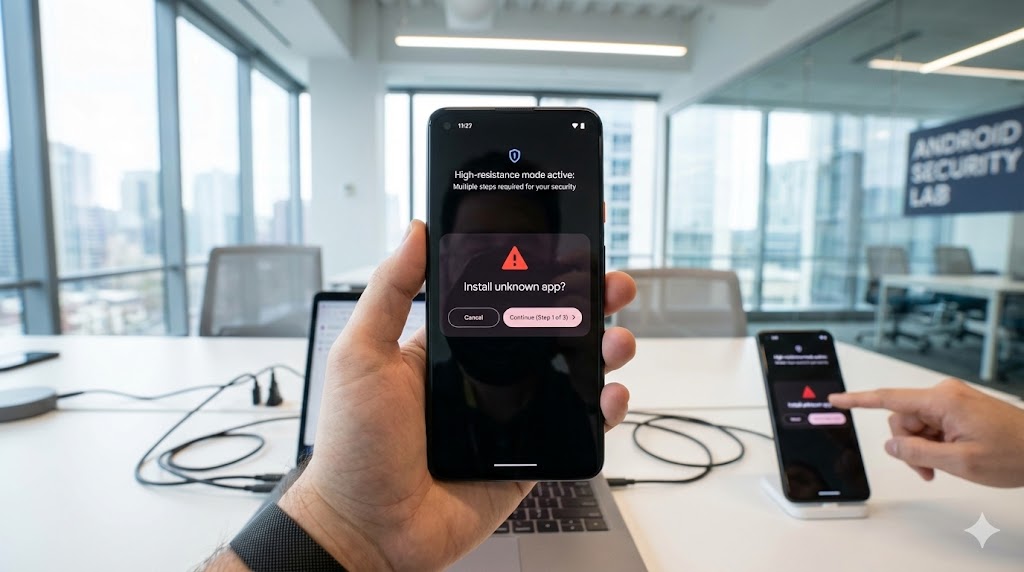
In the age of the Internet, smartphones, Wi-Fi networks, Bluetooth and other advanced technologies, only the most naive can think that our privacy is truly ours alone. Web browsers, phones or even YouTube They offer various forms of incognito mode, but even then it's only a half-hearted solution. No matter what built-in privacy feature you turn on, you're always a little bit exposed.
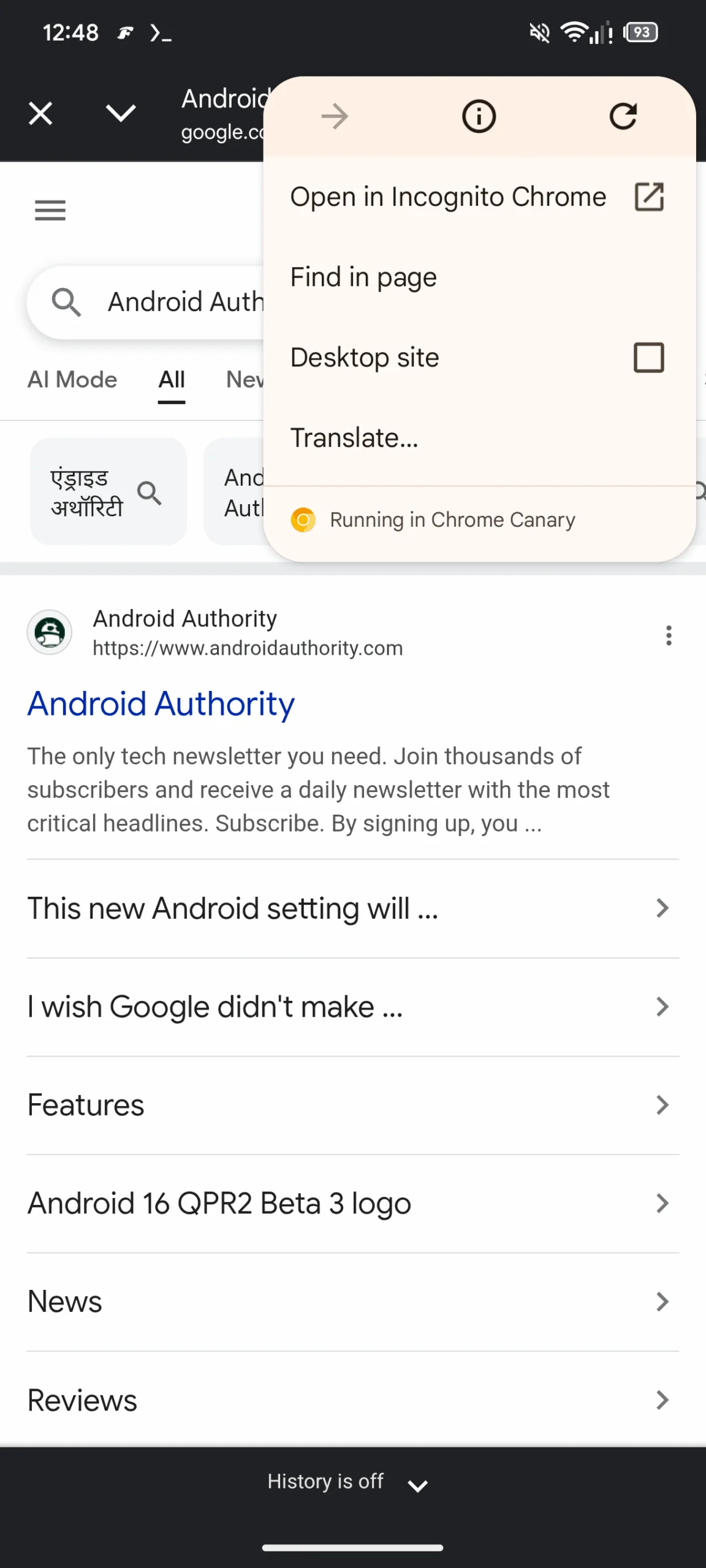
Browser Firefox tries to protect users by turning on a private window. This is done by clicking on the three lines in the top right and selecting the item New Private WindowIn Chrome, a similar option can be activated by clicking on the three dots in the upper right and selecting the option New incognito window. And other browsers have a similar option in almost the same place. And I have to say, I sometimes use it – for example, when searching for Christmas gifts, because otherwise my tips immediately start showing up for my children connected to the same Wi-Fi network.
The so-called anonymous mode has four main advantages:
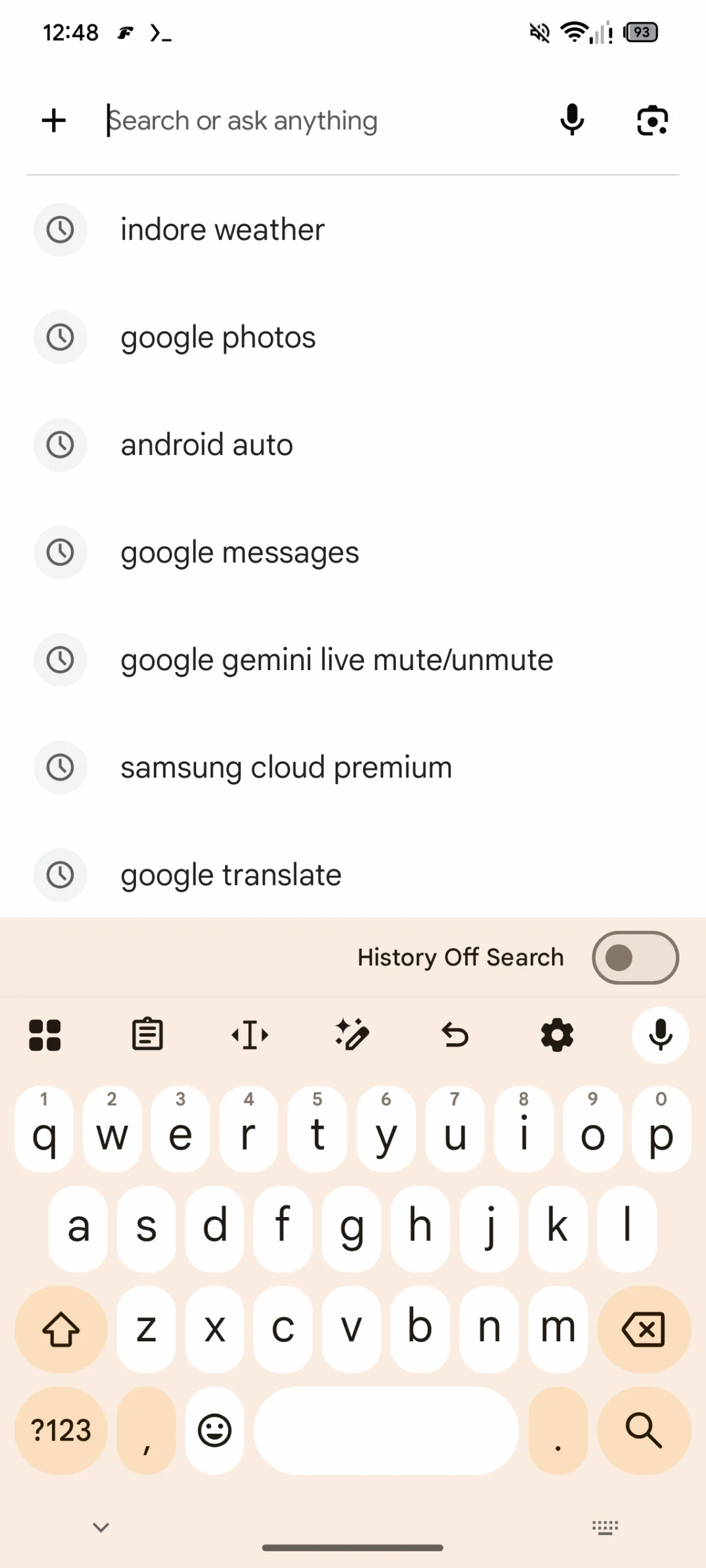
- does not save history – the list of visited pages is not saved after closing,
- does not fill the cache,
- newly created bookmarks and downloaded files does not delete them after completion and leaves them stored in the browser/computer,
- blocks files cookies third parties and thus limits cross-site tracking.
You might be interested in

The last item is almost the most important, because most websites today require consent. cookies. And if we don't want to do that, we have to click through to the rejection hidden in the settings. Incognito mode frees us from this worry. But in my opinion, it also has two obvious disadvantages:
- entirely yours does not hide activity and the websites you visit and your internet provider "see" you,
- does not save your login details, so you have to manually fill in your username and password on all pages. Even if it's an account Microsoft or Google.
Gallery


You cannot prevent data collection
There's also another surprising risk that many incognito mode users don't know about. Some people think that using incognito mode or a private window in their browser will prevent websites from collecting data. But that's not the case. Incognito mode stores everything that a regular browser does, i.e. cookies, history and cache. But the difference is that once you close the browser, all of this disappears.
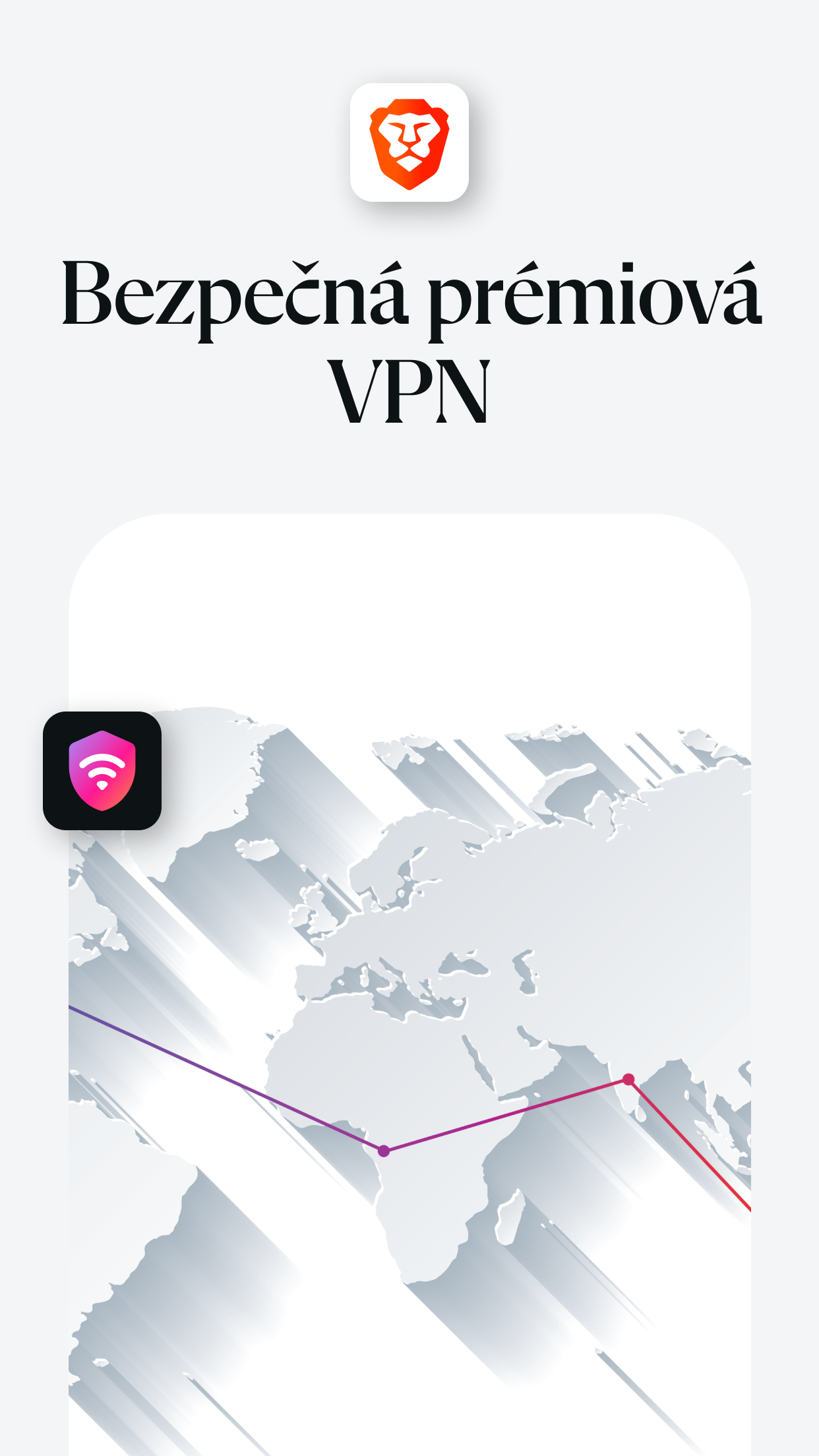
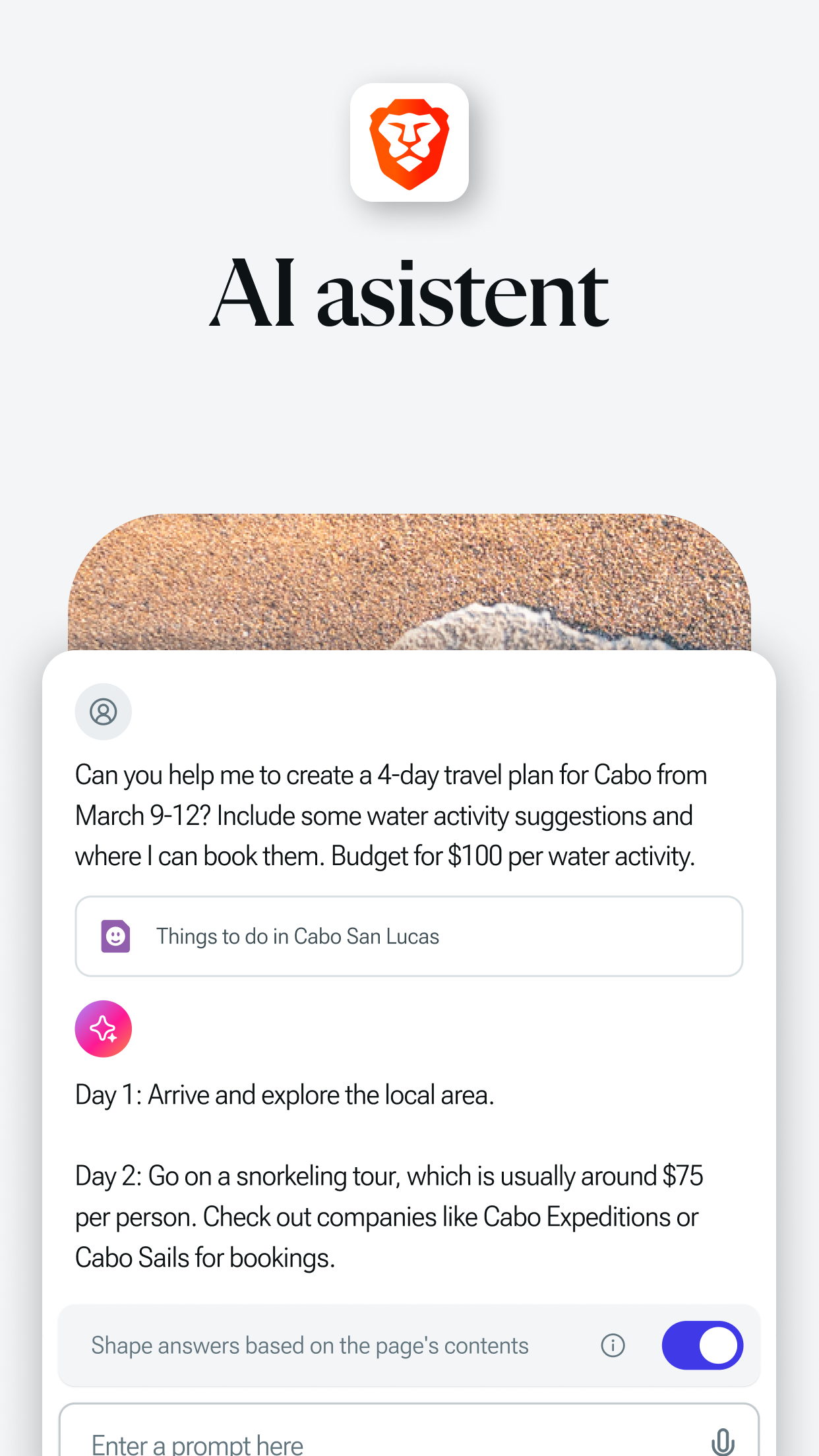
Additionally, user protection capabilities vary by browser type. For example Microsoft Edge and Chrome they are not overly burdened by it and cannot fully prevent it monitoringIn my experience, this works best Brave, which has the phrase "private browser" right in the name. It can also block most ads, even in videos in YouTubeAnd Brave Shields blocks invasive browser fingerprinting.
Something similar is also offered by Firefox. In the Standard Enhanced Tracking Protection mode, it can offer advanced tools against unwanted tracking. However, it is important to always be aware that privacy on the Internet does not exist. Unless you use a VPN, but even that is not 100%.