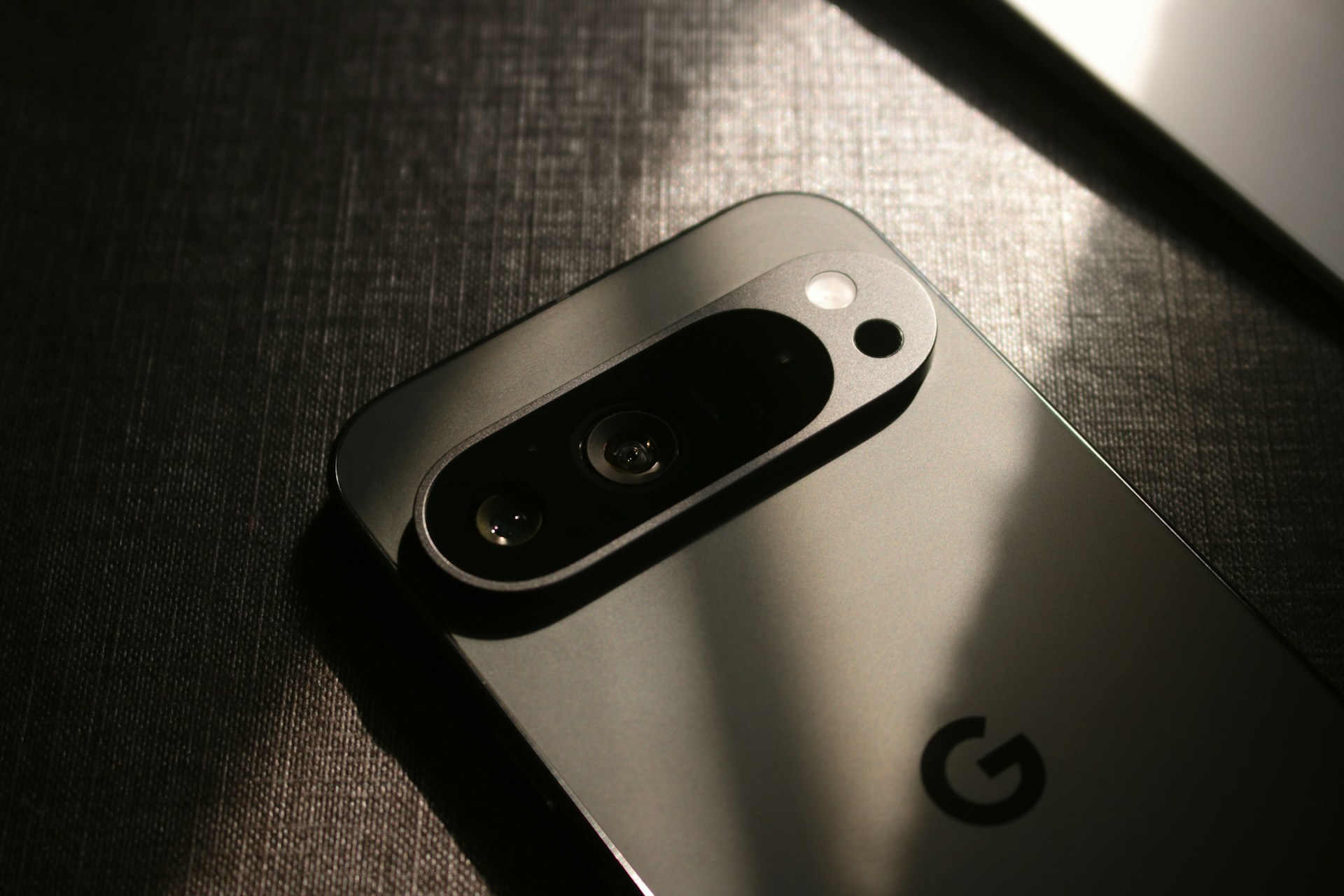
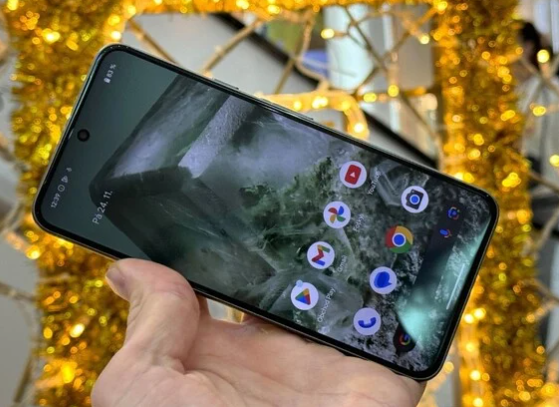
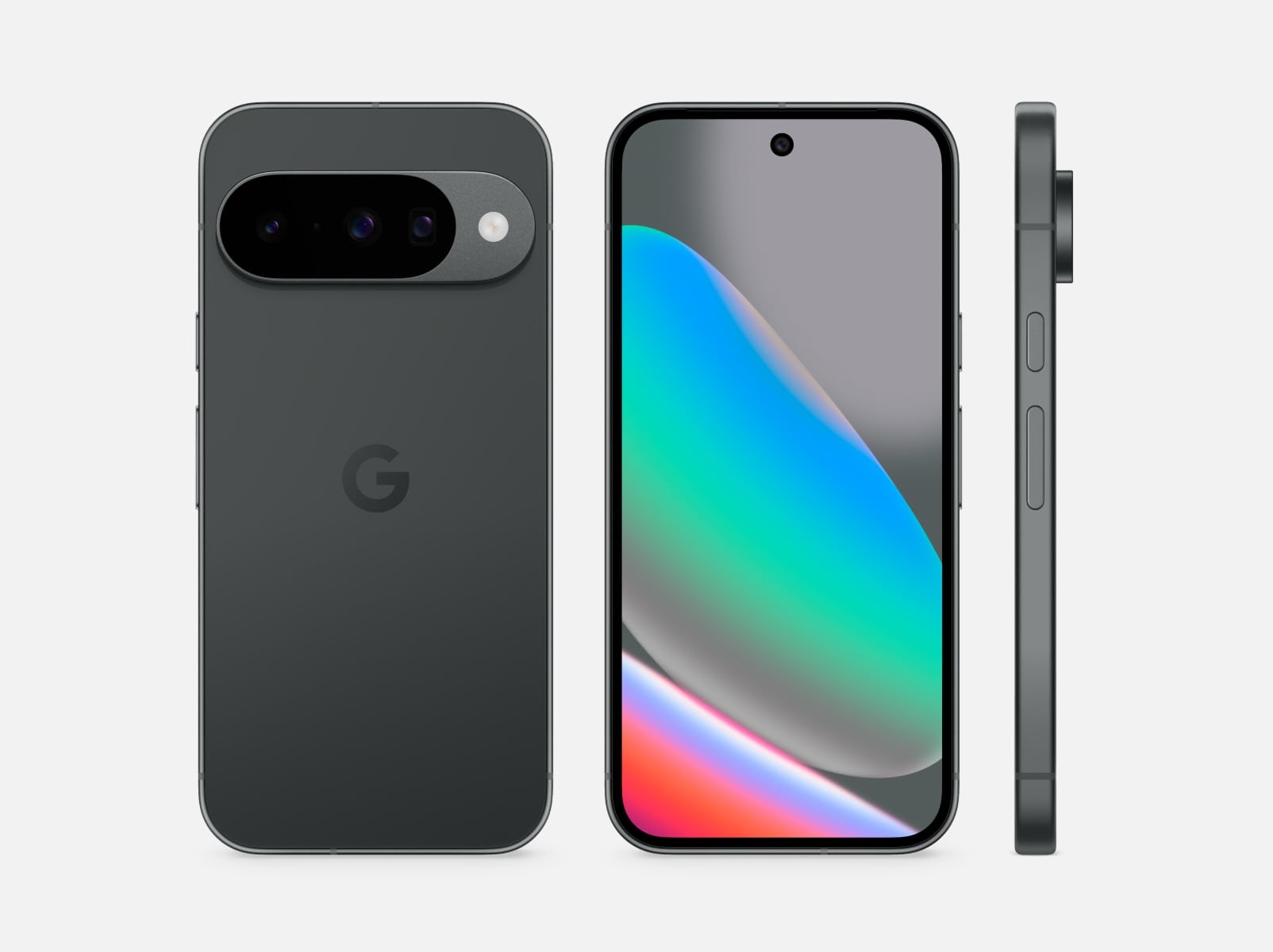
Pixel phones are getting more advanced, more powerful, and with better cameras with each generation. Not to mention AI features. They fit perfectly into the mid-range segment, and the more advanced Pro versions are already trying to compete. Galaxy S26 or iPhone 17. And yet their sales are significantly lower than those of competing brands. Why is that? Not that they are that much worse. I think the problem is that people have not yet fully discovered their potential.
When I dug deeper into the Pixel's settings , I discovered a bunch of interesting features that I wasn't even sure what they were for at first. But after exploring them for a while, I realized that's exactly where the Pixels are at. Google ships the latest and greatest Android features, but many of them are not obvious and remain hidden in the system. But when you enable them, the experience of using the phone completely changes. And I think that applies to all models from the Pixel 6 to the latest Pixel 11.
You might be interested in
Adaptive sound
All smartphones offer different ways to adjust the sound. Sliders let you set different volumes for incoming calls, videos, or alarms. But Google has gone even further. The Pixels have what's called adaptive sound . It works similarly to adaptive brightness, which adjusts the display's brightness based on the ambient light. Adaptive sound, in turn, adjusts the volume of the phone's speaker based on the noise in the environment. This happens, for example, when I'm watching a video, when I walk from a quiet room to a party with my phone in my hand. And I still find it incredibly fascinating.
Camera instead of webcam
At one time, webcams were extremely popular, and many people bought them as external devices for their computer monitors. Now, the more popular method is to use a mobile phone. That is, the one with better cameras. To make the connection completely hassle-free, I recommend that you open the notification panel on your Pixel after connecting it to your computer via a USB data cable , tap on Charging this device via USB , and select the Webcam option there . And that's it.
Gallery
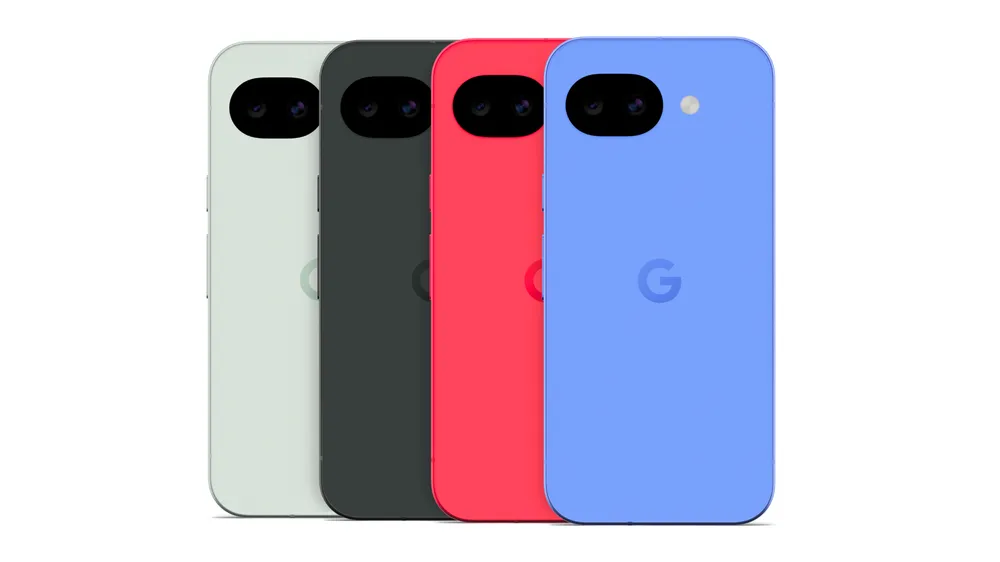
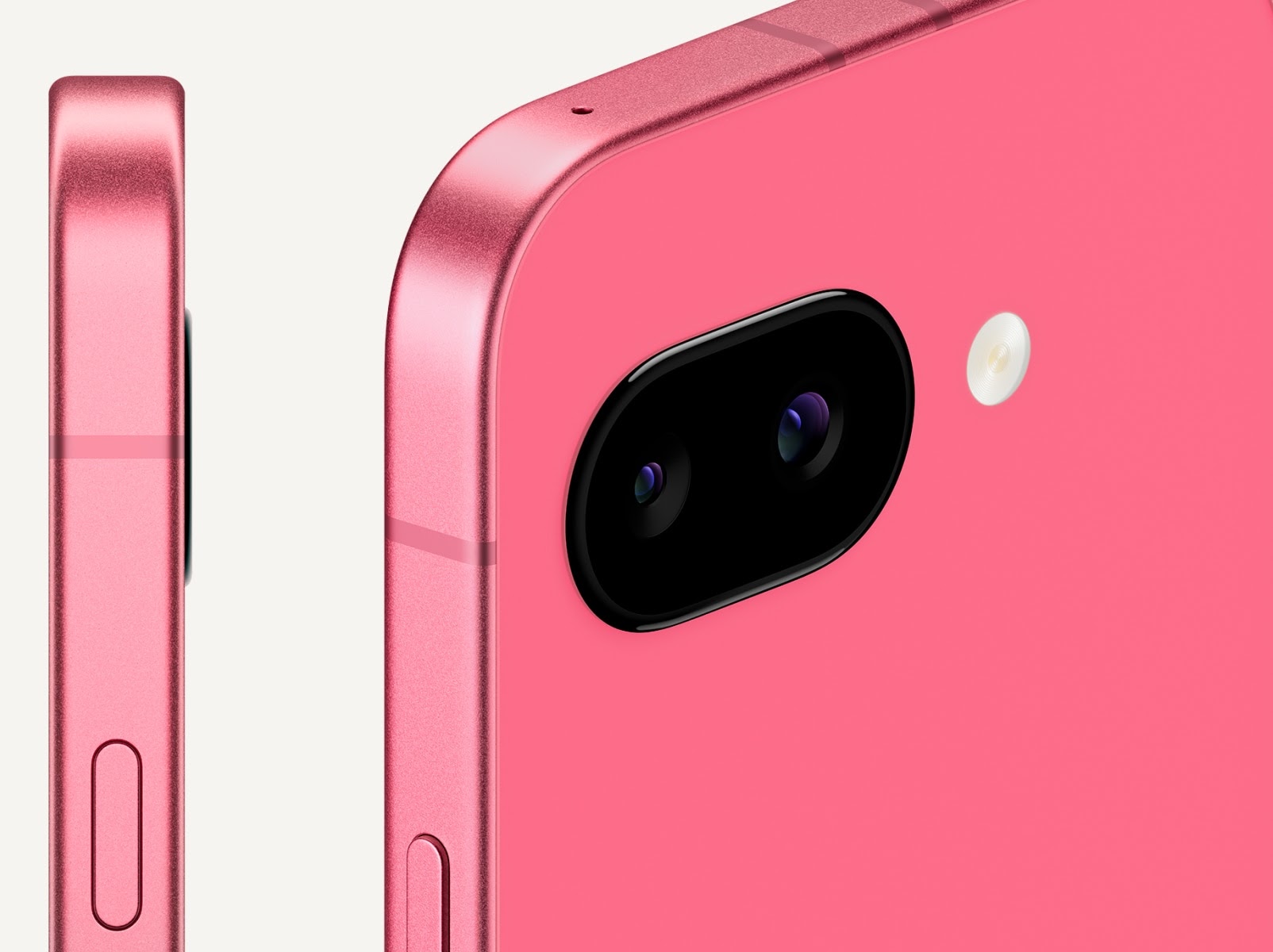

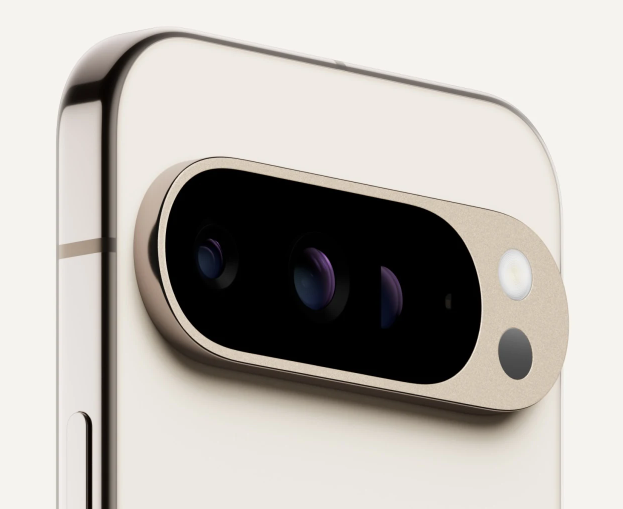
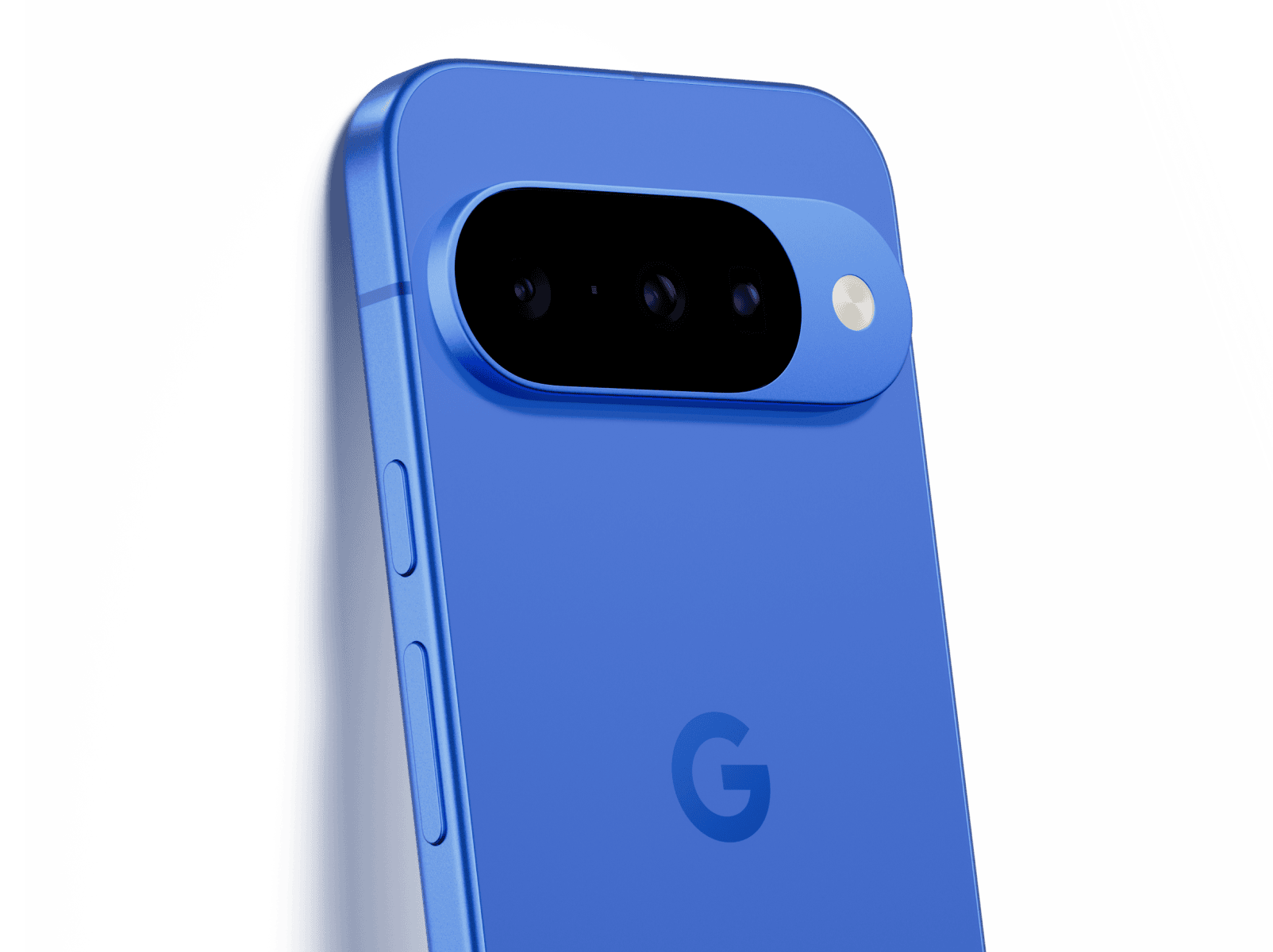
Private space
In Pixels, there is a so-called Private spaceIt is a kind of secure folder, which is also offered by Samsung v One UI. And you can hide everything you don't want others to see here. For example, photos, videos, PDF files, and so on. And Private Space can be separated using a different Google account. Setting it up is extremely easy:
- Go to Settings.
- Click on Security and Privacy.
- Select an item Private space.
- Verify your identity and, if necessary, set PIN.
Another AI assistant
Pixels are packed with AI features, and Google prioritizes sending the latest ones to them. Especially to models Pixel 11 and Pixel 10. And the heart of Pixels is Gemini:But maybe this particular AI assistant annoys you and you would like to replace it with another one. Google Now is a thing of the past, but there is nothing stopping you from choosing, for example, Grok, Claude or ChatGPT. And again, it's easy:
- Go to Settings.
- Click on the item Application.
- Choose Default application.
- Select an option Digital assistant application.